





Engine Badge Fits 2022-2026 Ford Maverick

Warranty Information
Vendor warranty summary
TufSkinz Warranty
At a glance: 1-year warranty against defects in materials and workmanship
This is TufSkinz's warranty, not an NVMOS policy. We've summarized it in plain English to save you a search. The manufacturer's official terms always govern and can change without notice. Last reviewed on nvmos.com: October 4, 2026.
Coverage by product
| Product or component | Coverage |
|---|---|
| All products | 1 year from purchase |
| Mud flaps | Material defects only, before installation |
- Keep your NVMOS order confirmation — proof of purchase is required.
What's covered
- Defects in materials and workmanship
What's not covered
- Improper installation
- Customer modifications or alterations
- Misuse, accidents, neglect or abuse
- High-stress driving
- Damage during or after installation
How to make a TufSkinz warranty claim
- Email TUFSKINZ to start a claim (reply within 2 business days)
- Include proof of purchase
- Wait for review and approval; approved claims get an authorization number before you ship
- You pay all shipping on warranty claims
TufSkinz contact: Email: sales@tufskinz.com · Claim page / support
Bought it from NVMOS? Start with us.
Have your order number and a few photos of the issue ready, then call real humans at (920) 249-7744 or send us a message. We'll tell you whether the claim goes through us or straight to TufSkinz, and help it along either way.
Shop TufSkinz at NVMOS
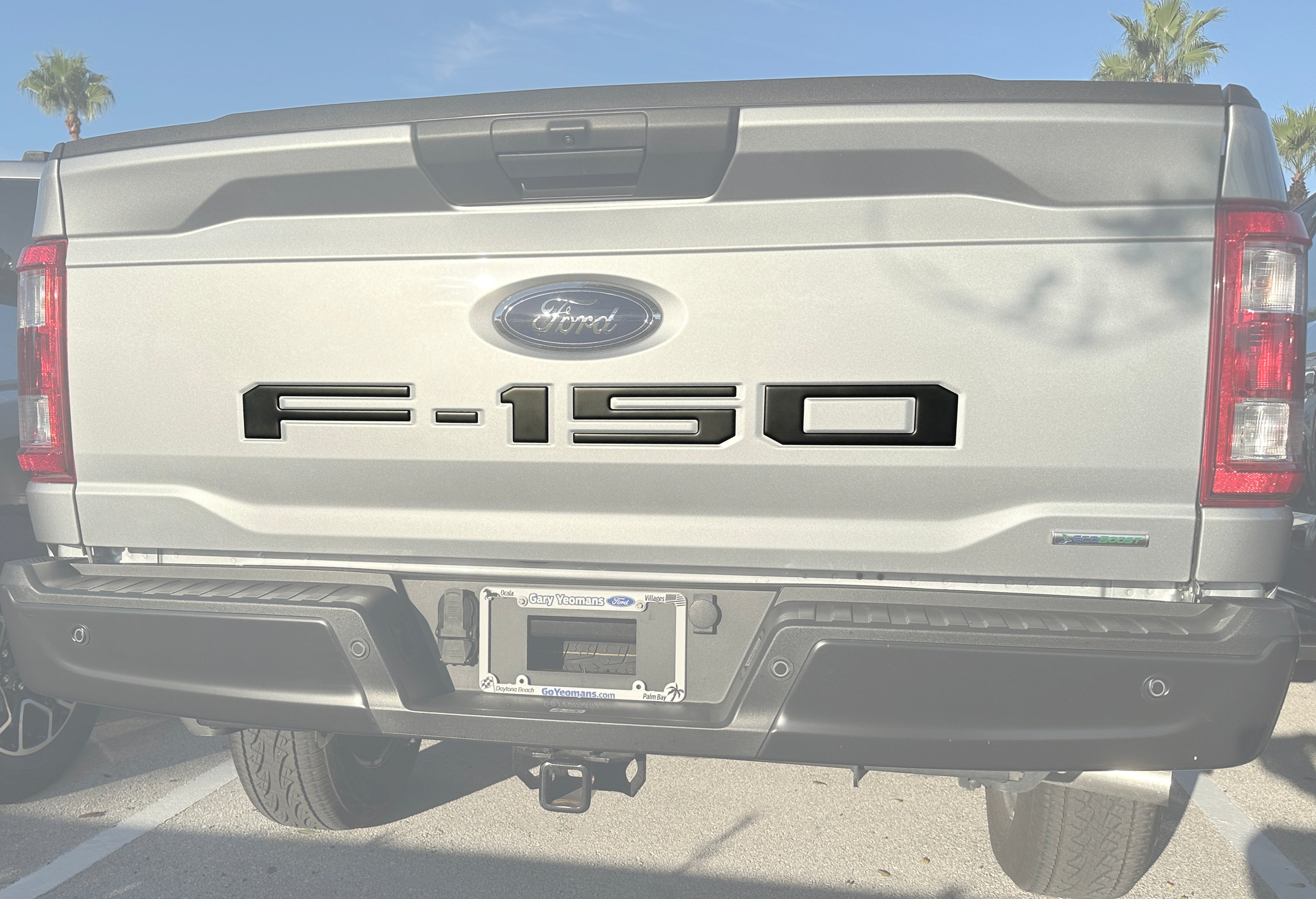
 Tailgate Letter Inserts Fits 2021-2026 Ford F-150
 Door Sill Protection Overlays Fits 2021-2026 Ford Bronco
 Door Sill Protection Overlays Fits 2025-2026 Toyota 4Runner
See all TufSkinz products, lead times and FAQs →
Disclaimer: The information on this page describes TufSkinz's own warranty policy. It is not a warranty offered by NVMOS (No Visible Means of Support LLC). Manufacturers update their terms at any time; we review these pages periodically, but the manufacturer's current official policy is the one that applies to your claim. Source: TufSkinz official warranty information. Last updated on nvmos.com: October 4, 2026. See our return policy for NVMOS's own terms.
About the brand
TufSkinz (often searched as Tuf Skinz or Tuff Skins) makes raised letter inserts, badge overlays and accent trim in Florida, cut for a factory-style fit. NVMOS carries tailgate and grille letters, emblem overlays, interior trim and foam console inserts for Ford, Ram, Toyota, Chevy, GMC, Jeep and Nissan trucks and SUVs.
Based in: Florida · Made in: USA (Florida) · Lead time: Made to order, about 10 business days
Shop all 825 TufSkinzWarrantyLead timesAll brands
Warranty terms are set by TufSkinz, not NVMOS, and can change. Bought from us? Call (920) 249-7744 and we'll handle the claim with the brand.
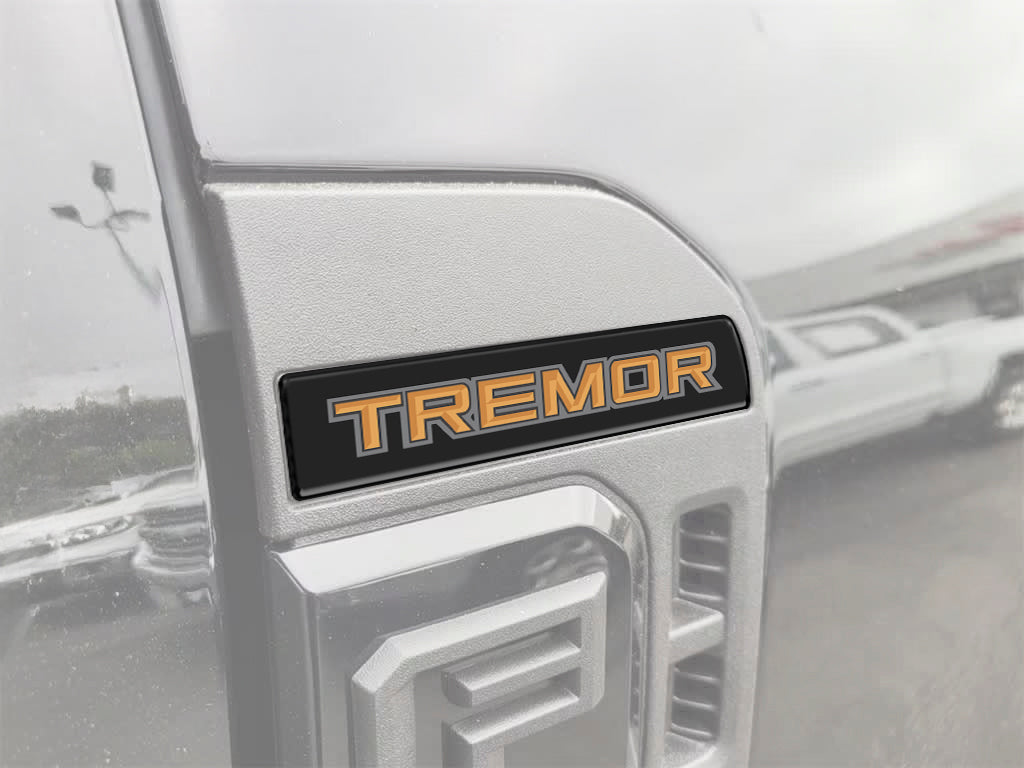
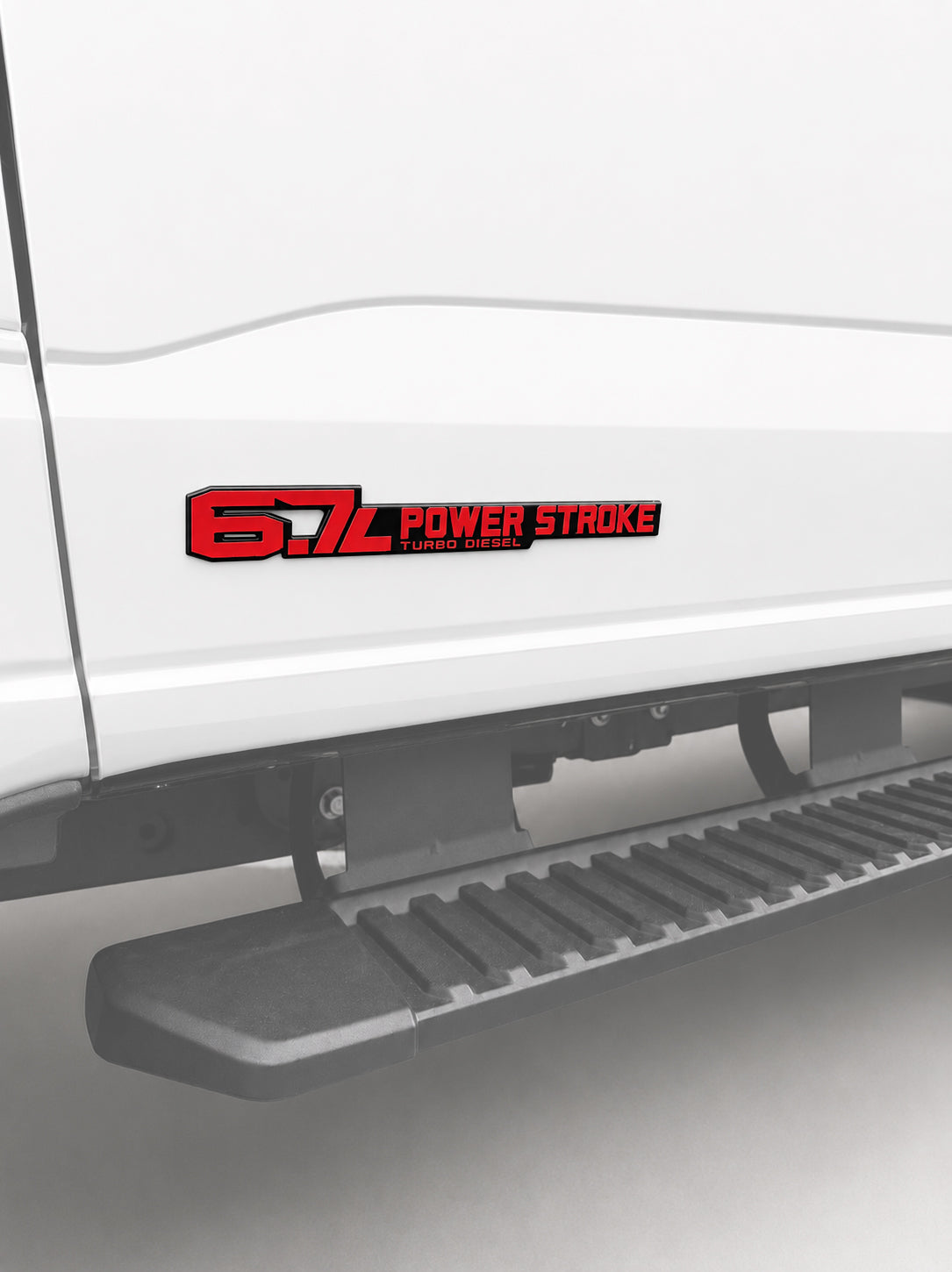
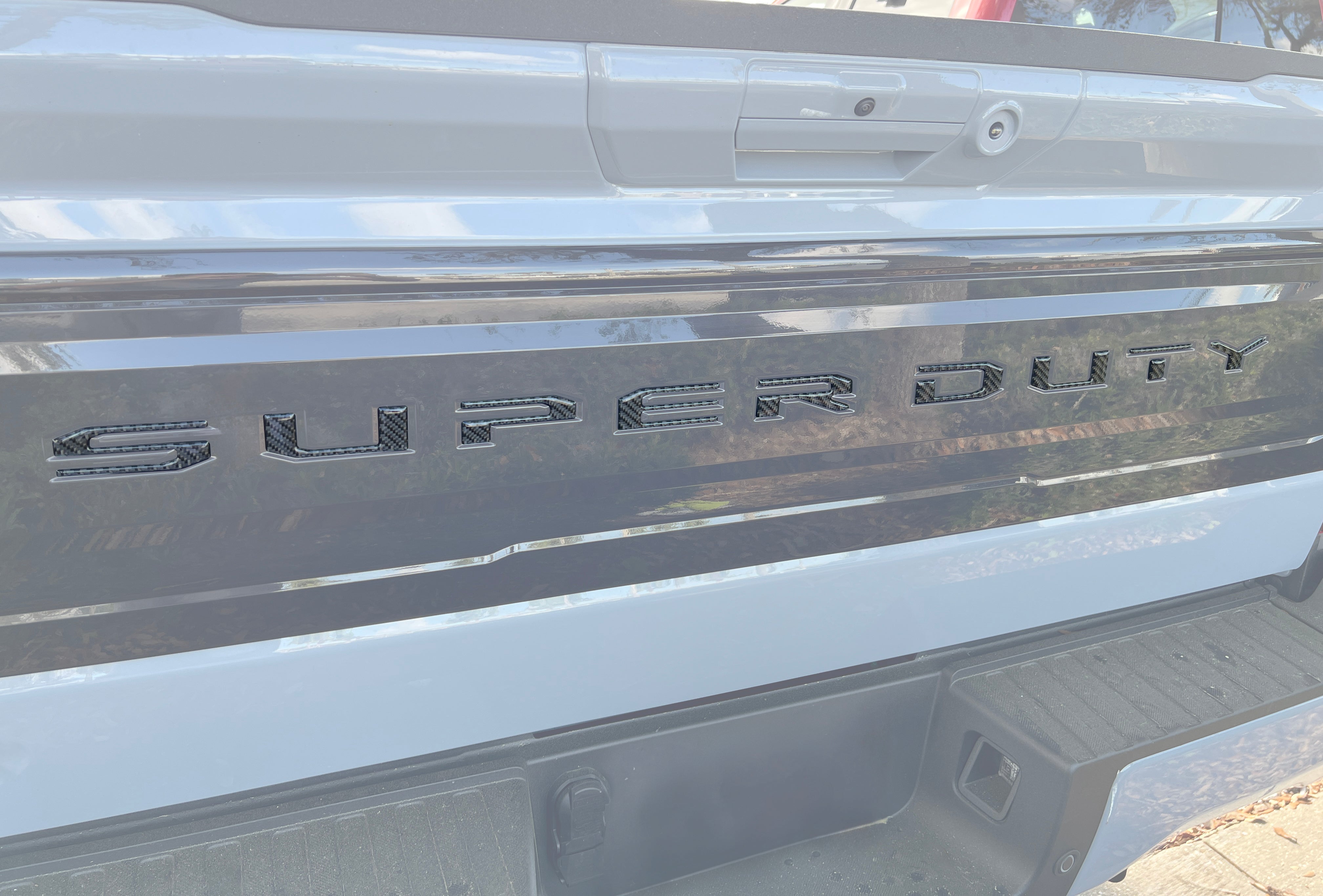
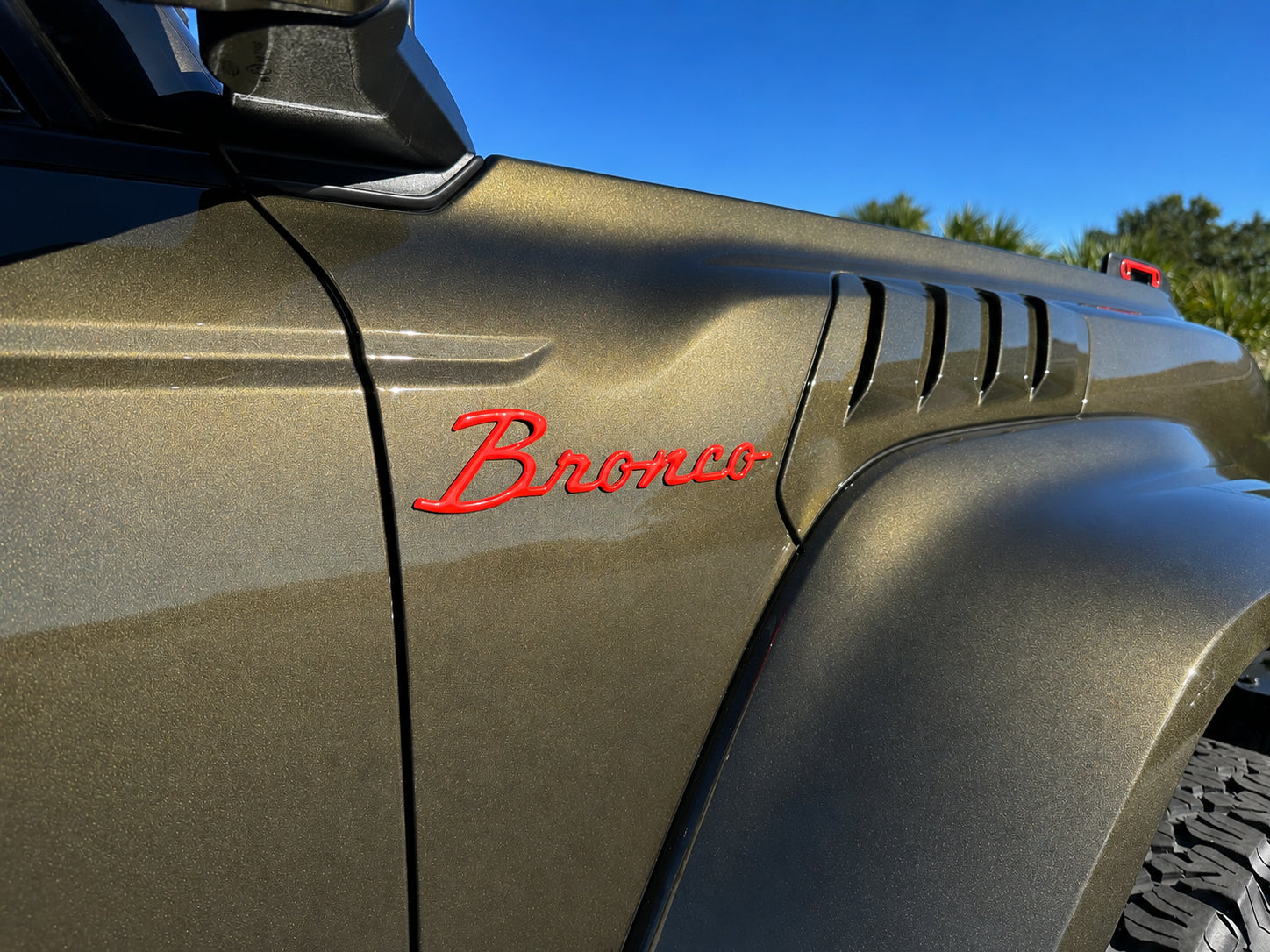
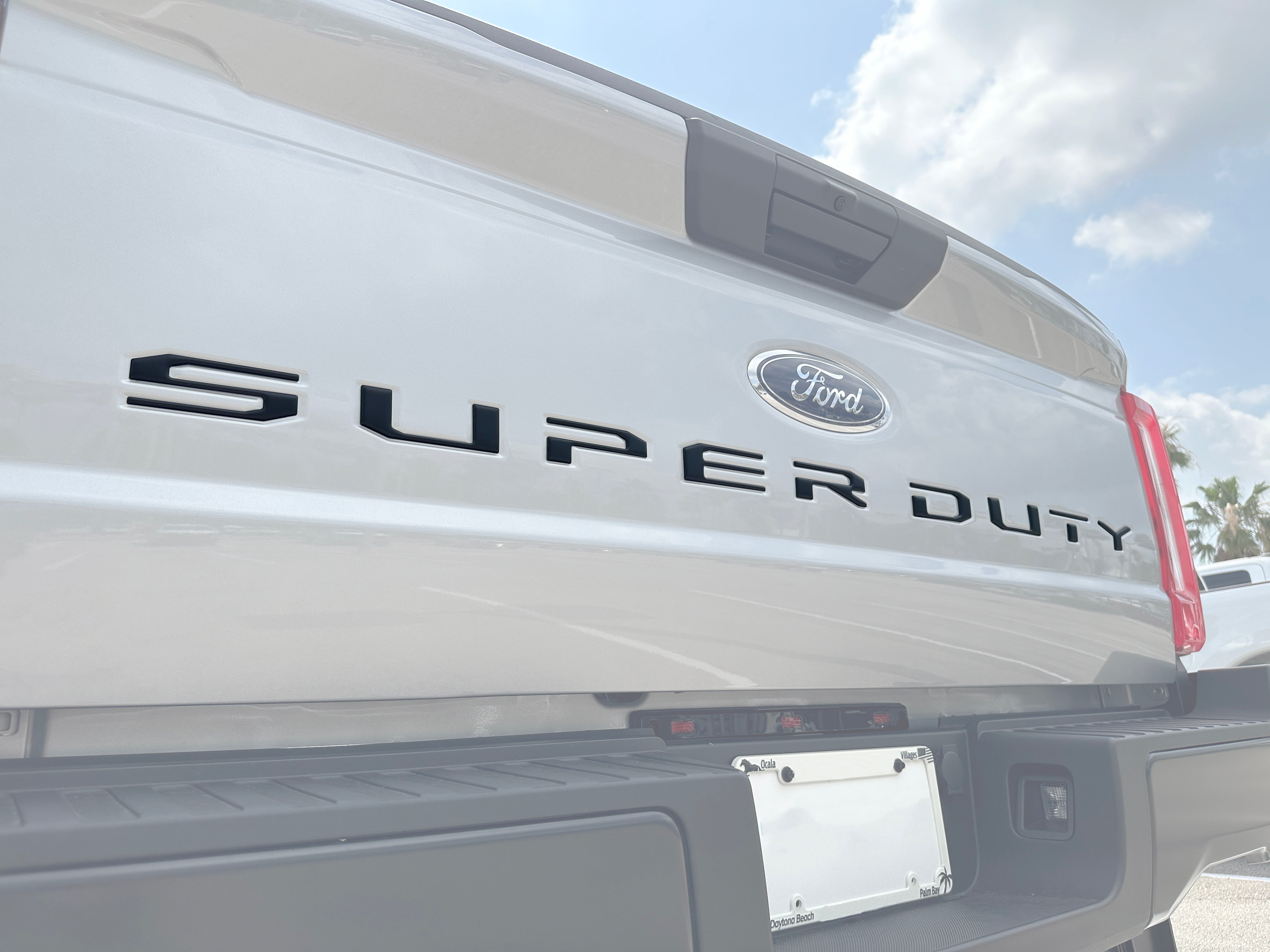
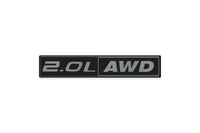
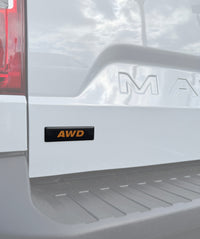
The Tufskinz Engine Badge is a single domed emblem overlay that installs directly over the factory badge on your 2022-2026 Ford Maverick. It swaps the look of the OEM emblem for a bold, raised accent while protecting the surface underneath. Match it to your drivetrain with options like 2.0L EcoBoost, 2.0L Turbo, and 2.5L Hybrid, or go blacked-out with a Matte Black finish. See the Fender Emblem Accent Trim for a coordinating exterior touch.
Features
- Single-piece badge overlay for the 2022-2026 Ford Maverick
- Domed (raised) 3D design for a dimensional, custom look
- Installs over the factory badge and protects the OEM surface
- Engine-specific options: 2.0L AWD, 2.0L EcoBoost, 2.0L Offroad, 2.0L Turbo, and 2.5L Hybrid
- Matte Black finishes with Metallic Gray, Red, or White accents
- Backed with 3M automotive-grade adhesive
Installation
Installation takes about 2 minutes. The badge is peel-and-stick with pre-applied 3M adhesive - no drilling or cutting. Clean the factory badge, line the overlay up, and press it on.
Fitment
Made for the 2022-2026 Ford Maverick (1st Gen). Browse more badges and accents in our full Ford Maverick collection.
Explore the rest of the Tufskinz collection for more precision-fit overlays.
Complete your Maverick build
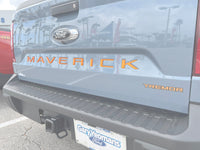
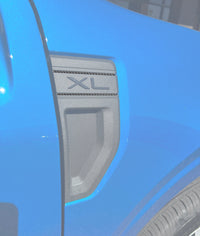
More parts that fit your Maverick and pair well with this one — matched and ready to install.
 $19.99
 $59.99
 $39.99
 $29.99
 $14.99
More for your Ford Maverick
Picked from the 121 parts we carry for the Ford Maverick, matched to 2022–2026 model years. Check the years and trim in each title — or call us and we’ll confirm fit.


Will it fit, and how does it go on?
The straight answers you need before you buy — fitment, install, finish and care.
Will these fit my 2022–2026 Ford Maverick?
How long does installation take?
What colors can I choose?
Will they hold up to weather and car washes?
Three layers, engineered for the elements


Multi-column

Join Our Community
For all things NVMOS, check us out on Instagram and Facebook!

Financing Available
Pay over time with Affirm or PayPal Credit at checkout, for qualified buyers.

Contact Us
Have a question? Just send us an e-mail at support@nvmos.com


